
Plan workouts. Log every set. See your progress.
Follow a ready-made program or build your own. Trenno remembers every set, so next time you know what to lift.

 Scan to get the iPhone app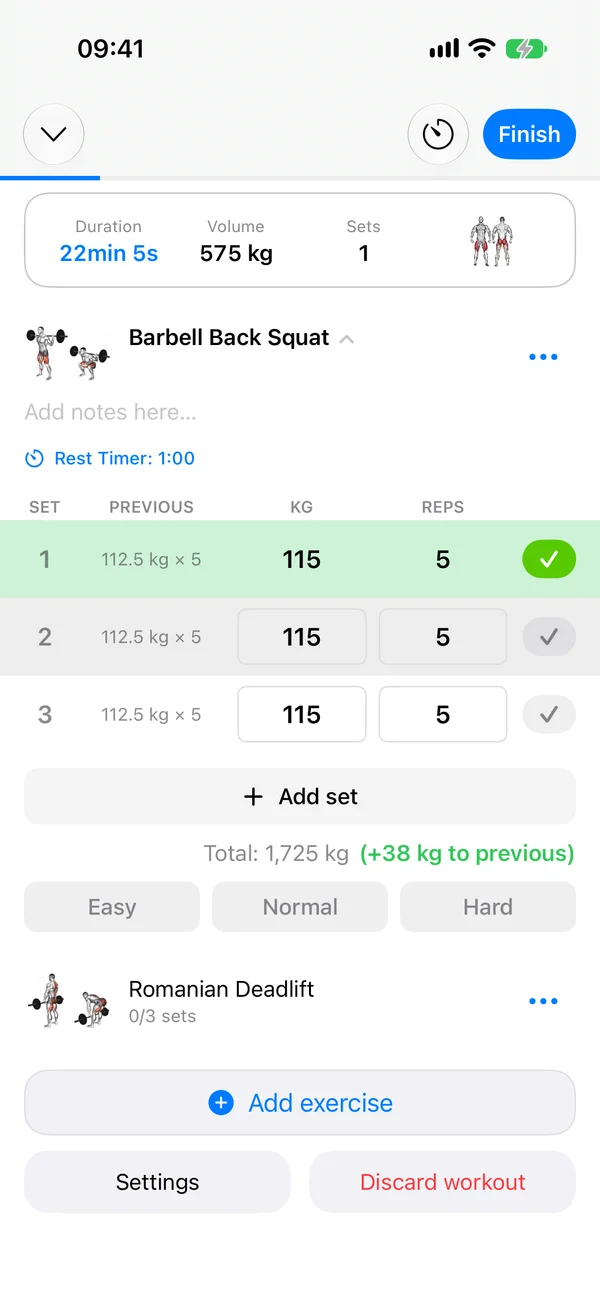
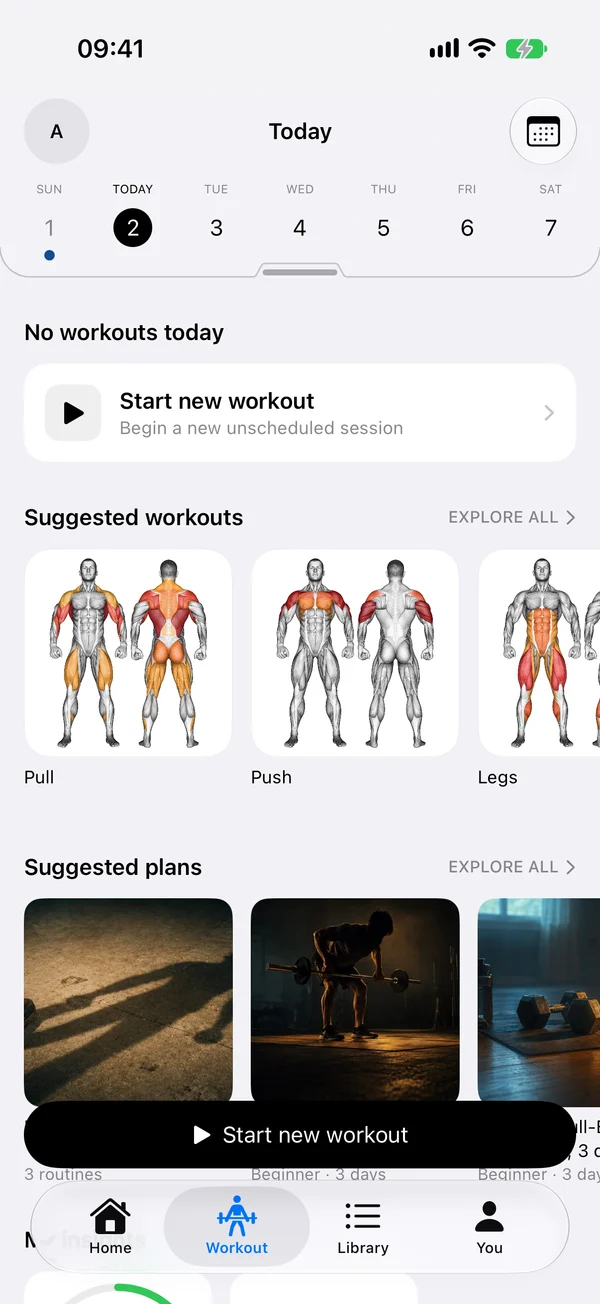
Start with a program, not a blank page.
25 programs with their sets, rest times and coach notes, from full-body plans for beginners to push/pull/legs splits. Pick one and the week is planned.
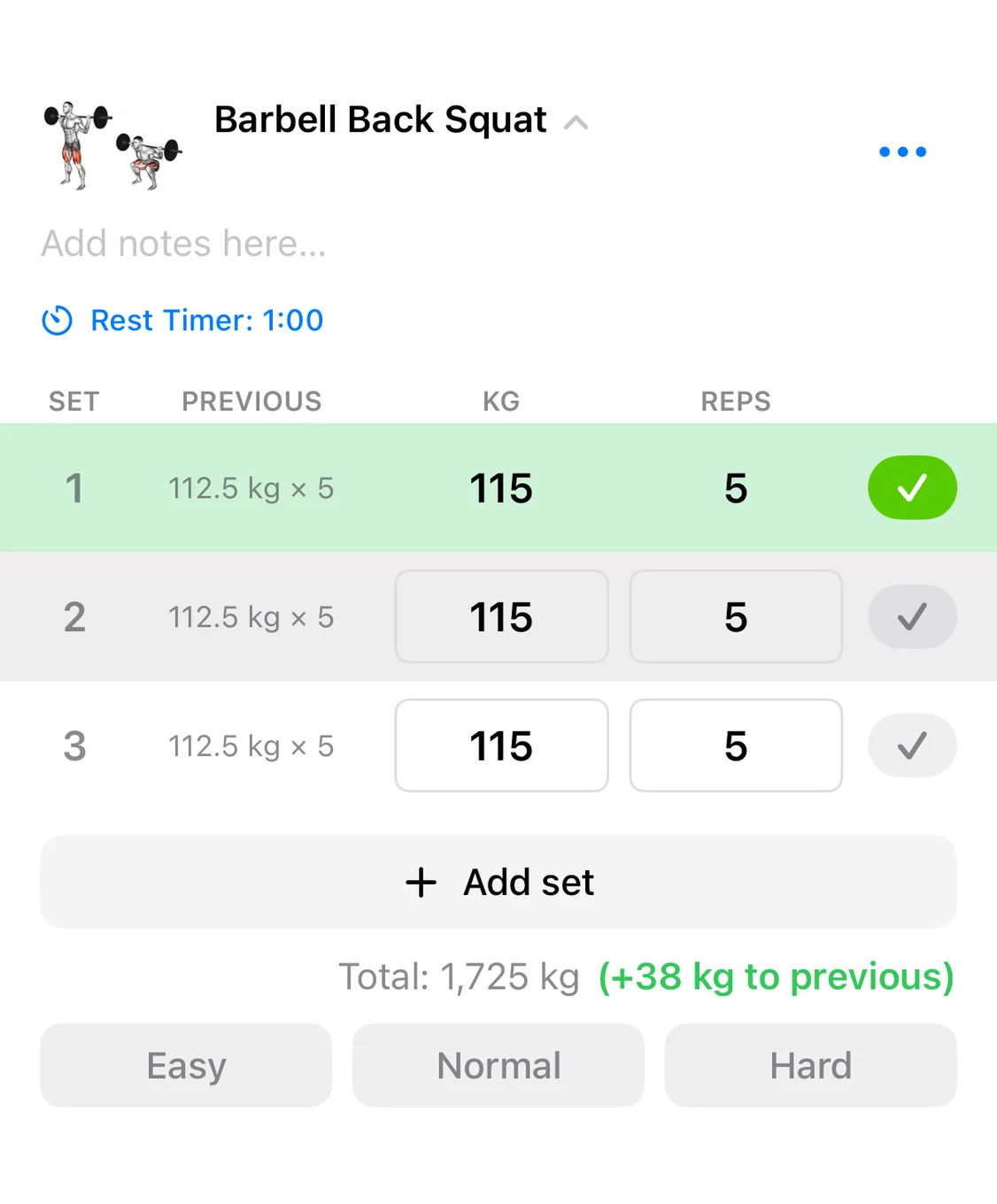
Every set, logged in a tap.
The weight and reps from last time fill the row. Change what changed and tick the set.
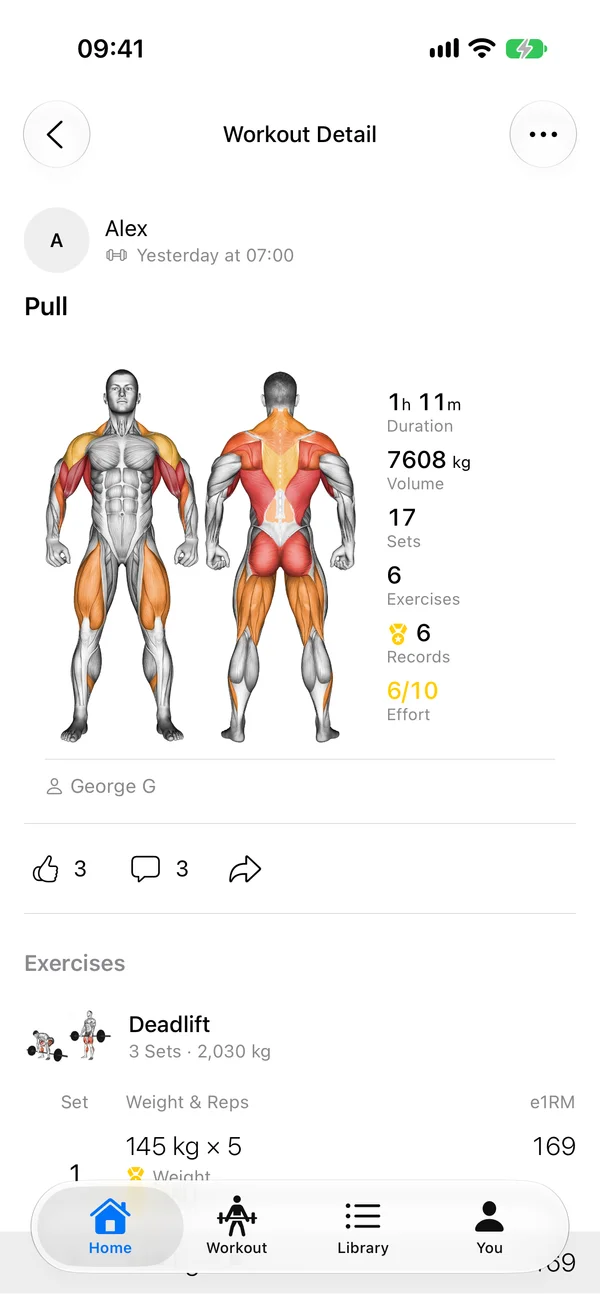
See the work add up.
Duration, volume, sets and the muscles you hit, on a body map, right after you finish.
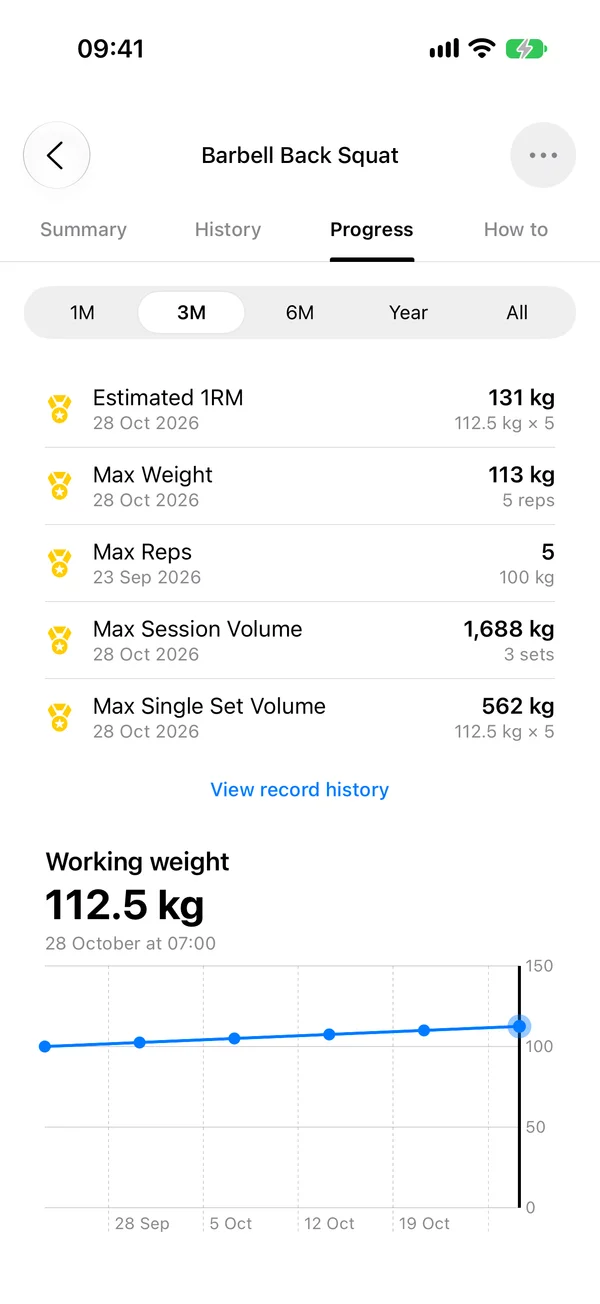
Records per exercise.
Estimated one-rep max, best weight, best set and a chart of the working weight over time.
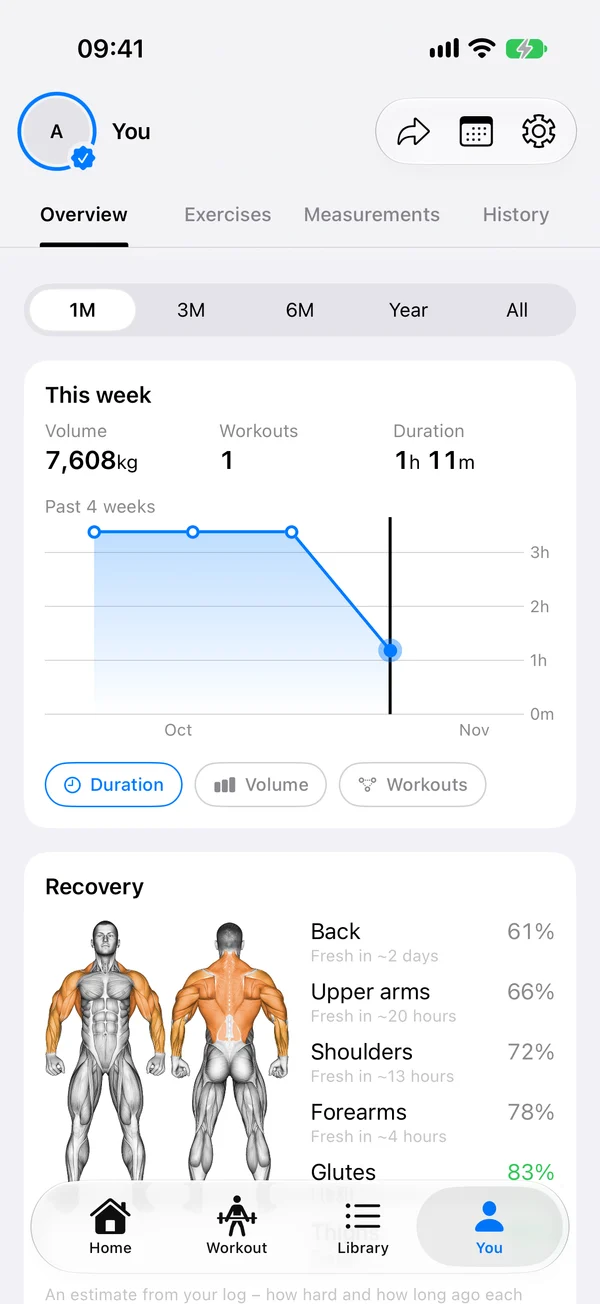
Ready or not.
A muscle map of the week and a recovery estimate of what has rested enough to train.
The phone stays in the locker.
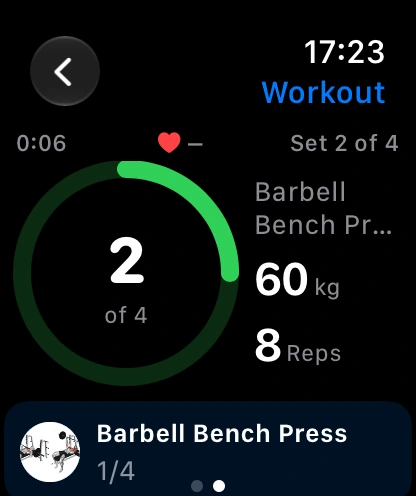
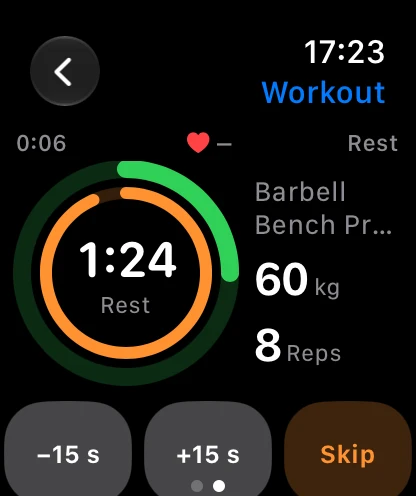
Start the workout on the watch and log sets and rest from the wrist, with your heart rate on screen.
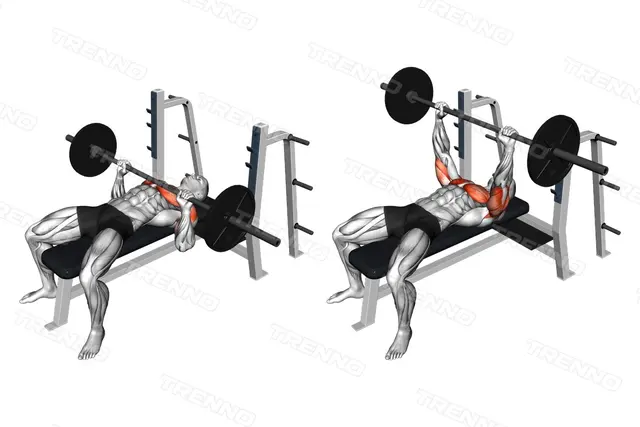
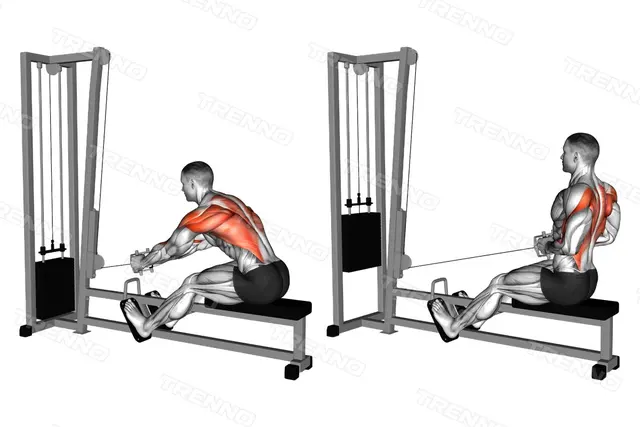
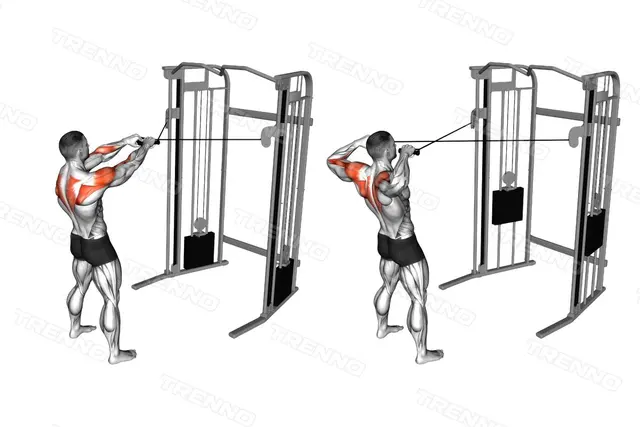
4,700 exercises.
Most come with the muscles they work and a four-part guide. Search by name, muscle or equipment.

Get Trenno on your iPhone.
The plan, the log and the progress, in one app.
On a computer? Point the iPhone camera at the code.Good to know.
Where is my data stored?
On your iPhone, in your Trenno account on our servers and, if you are signed in to iCloud, in the private area of your own iCloud account. The copy in your account is what syncs between devices and survives a lost phone. The Privacy Policy has the details.
Do I need an Apple Watch?
No. The watch app is a companion. Everything works on the iPhone alone.
Can I build my own programs?
Yes. Routines and programs of your own, with supersets, rep ranges and rest times, organized in folders.
How do I move to a new iPhone?
Install the app on the new iPhone and log in with the same account: your data downloads on its own. You can also export a backup from Settings and import it on the new device.
Is there an Android version?
Not yet. Trenno is built for iPhone and Apple Watch.
How do I get help?
Write to support@trenno.app, or start with the support page.